

Slicer Color Records: Preview Palette and Tool Assignment
2026-11-05
Slicer Color Records: Preview Palette and Tool Assignment
Slicer Color Records should distinguish a preview palette from a tool assignment. PrusaSlicer can display a chosen color for an extruder reference without that palette choice changing the physical print. Assigning a feature or region to a tool is a different documentation object. This article reads a hypothetical multi-material project appendix. It edits no model, changes no assignment, slices no file, and operates no printer.
Preview colors explain the visualization
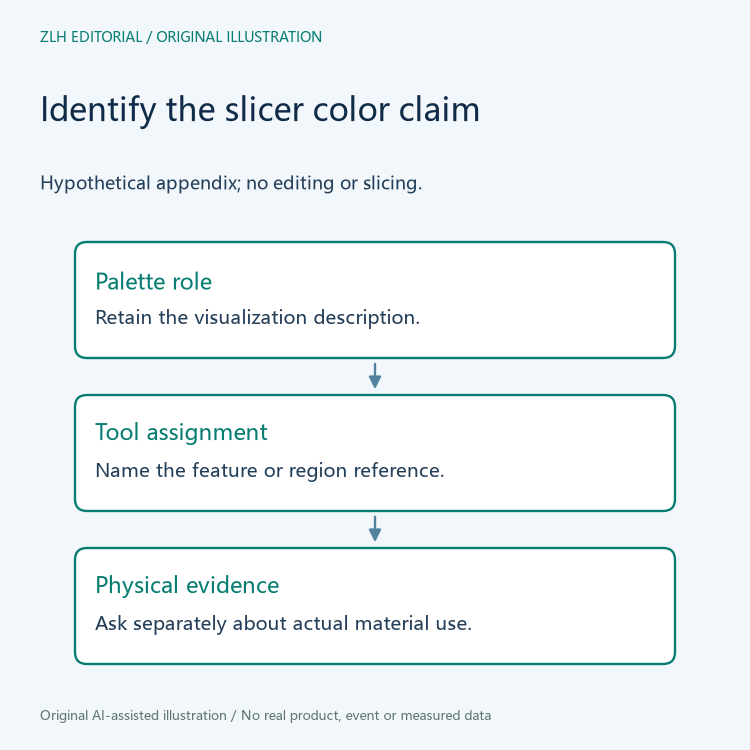
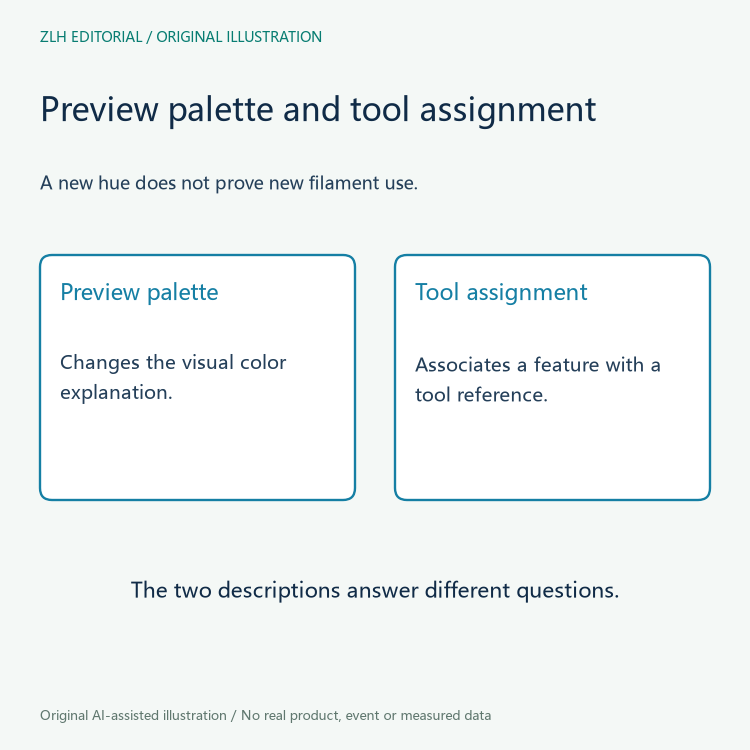
The official tool, color, and extruder assignment documentation explicitly distinguishes changing a preview color from changing the print. The preview color helps visualize the intended arrangement. A review should preserve that role rather than treat a newly colored screenshot as evidence that a different filament was loaded or a different tool operated.
Suppose a fictional project attachment shows a region in blue after an earlier version showed it in green. The reviewer can ask whether the contributor changed the visualization palette, the assigned tool, or some other project property. A screenshot's hue alone does not answer that question. This article examines no actual screenshots or material samples.
Tool assignment identifies which reference serves a feature
The same official page separately describes assigning tools to print features, models, or parts. Its feature examples include perimeters, infill, and support-related elements. The documentation treats those assignments as distinct from the display-color choice. An appendix should retain the assignment object and its source rather than replacing it with the color seen in the preview.
A fictional review table can therefore name the project feature or region, the tool reference assigned to it, and the displayed color separately. This does not establish how many physical nozzles or loaded materials a particular installation contains. Those inventory and configuration questions need their own evidence. A tool number in a lesson is not a photograph of a physical extruder.
Painting documentation has a specific color-selection context
The official multi-material painting documentation explains how its color-selection controls map tool references to the painting controls. It also identifies a visualization-color override in that panel and states that this override is not saved and is lost when the application closes. Retain that panel-specific scope instead of claiming that every project palette behaves identically.
The page introduces the painting feature in the context of PrusaSlicer 2.4 and gives its own limitations. A handover based on a different version should preserve the applicable reference and project identity. The article does not reproduce painting gestures, choose a brush, or claim that a particular surface region has been assigned correctly.
Separate visual labels from model and slicing objects
The painting page says painting affects the slicing result while leaving the model itself unaltered, and that the colored parts cannot simply be exported separately. A preview region therefore needs its own explanation: it may describe a slicing-related assignment rather than a separately authored geometric part. A color boundary alone does not establish a distinct physical component.
This distinction is useful when a supplier or lesson contributor labels every visible patch as a separate material part. Ask what the project actually stores and what deliverable the statement describes. A model file, a project assignment, and a displayed palette are different evidence objects. This article produces none of them and does not claim that one can replace another.
A useful hypothetical handover note can identify the source version, project object, tool assignment, palette description, and actual supplied output records. If only a preview is provided, say so. Do not infer the loaded filament, completed print, or material identity from a display choice that the manufacturer describes as visualization.
Later revisions should retain their subject. Updating a palette legend may improve explanation without changing tool assignments. Changing an assignment would need its own project record. A completed physical print would require separate observation. One generic “color corrected” note should not imply that all three changes occurred when only the preview caption was revised.
The article also does not infer multi-material feasibility from a colorful model. The manufacturer page includes segmentation and feature limitations that belong to its documented scope. They are reasons to preserve version and project context, not a basis for declaring an unknown design printable or unprintable. No geometry or production outcome is assessed here.
One answerable question is “does this color identify a visualization choice or an actual tool-assignment statement in the supplied project?” The response should point to the corresponding object. Keeping that distinction clear helps a reader review the documentation without asking it to prove material use from an image alone.
The original illustrations compare roles without real model patches, tool settings, or printed samples. Continue through the three-dimensional printing documentation section and related resources section. Separating preview color and tool assignment makes a multi-material appendix more precise while keeping physical material and printing claims attached to actual evidence.


